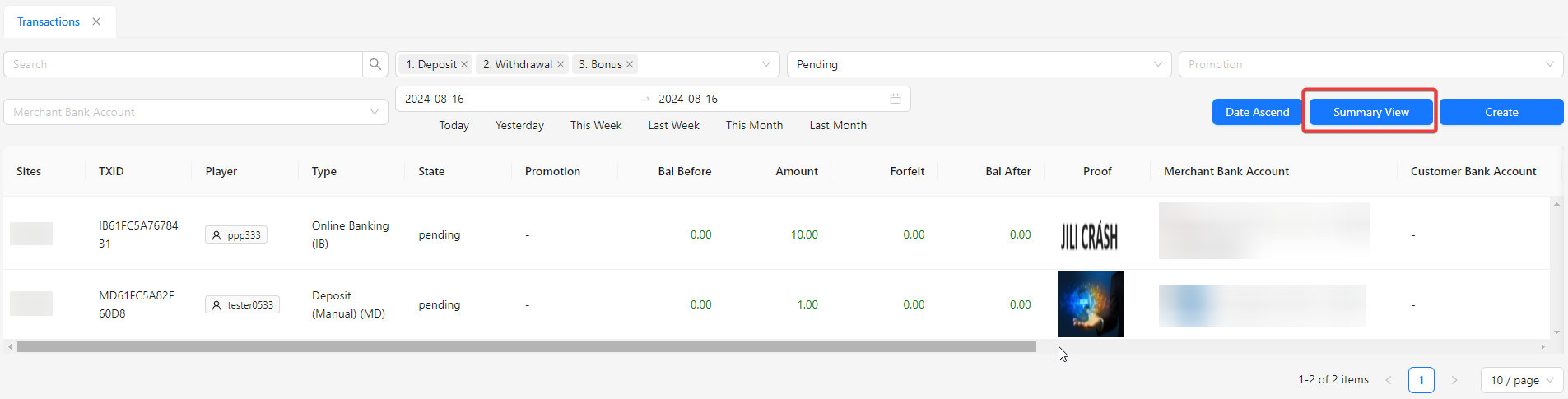
View Transaction
The View Transaction section offers a detailed overview of all financial transactions within the system, including bank-related activities. It provides users with comprehensive insights into transaction history and current statuses.
Toolbar

- Search: Enables users to find transactions by entering the transaction ID.
- Transaction Type: Allows users to filter the transaction list by type, with default filters set to deposit, withdrawal, and bonus.
- Status: Provides options to filter transactions by their status, with the default filter set to Pending.
- Promotion: Allows users to filter transactions based on promotional offers.
- Merchant Bank Account: Enables users to filter transactions by merchant bank account.
- Date Picker: Allows users to filter transactions by selecting a specific date range.
- Date Ascend / Date Descend: Provides options to sort the transaction list by date in ascending or descending order.
- Detail View: Lets users switch the transaction list view to a detailed format.
- Create: Create a new transaction. 🔗
Listing
Pending Transaction
Only transactions with a Pending status can be subjected to specific actions.
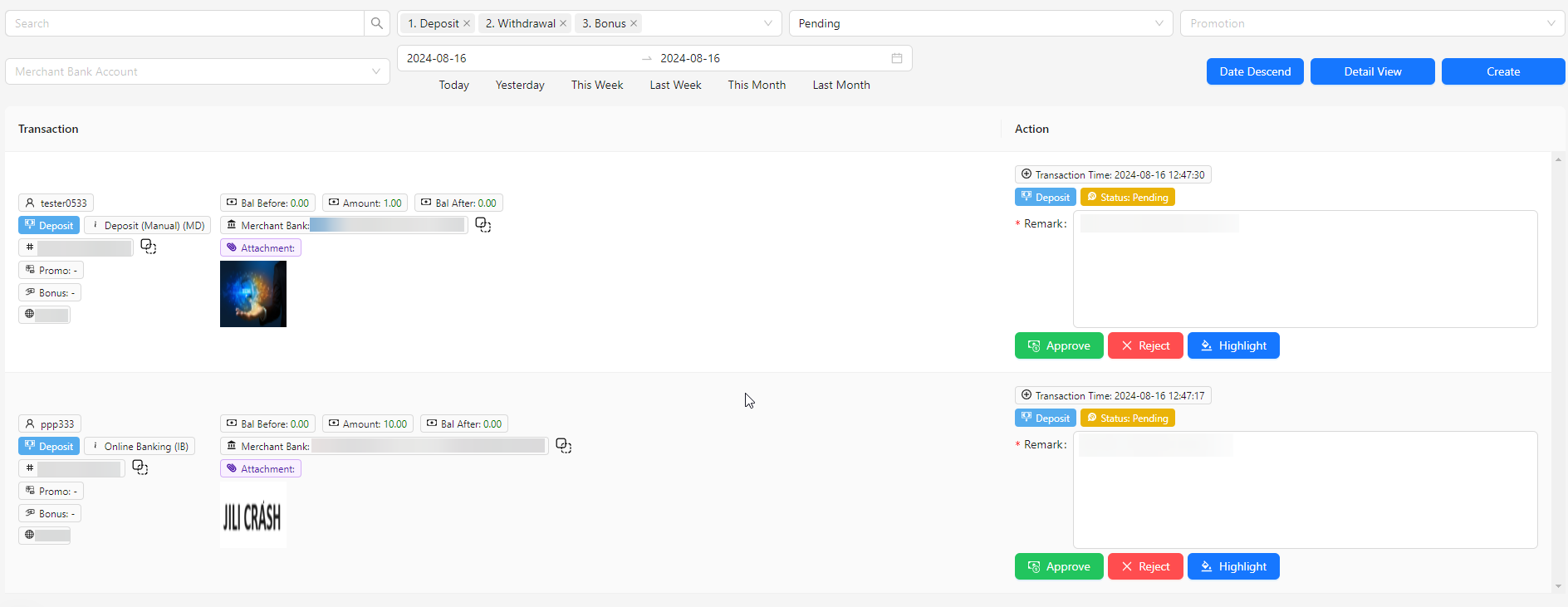
- Transaction: Offers a detailed overview of transaction information, providing comprehensive insights into each transaction's specifics.
- Action: Allows users to perform various actions on transactions:
- Remark: Add notes or comments related to the transaction.
- Approve: Approves the selected transaction. 🔗
- Reject: Rejects the selected transaction. 🔗
- Highlight: Highlights the column background to draw attention to important information. 🔗
- Force Approve: Allows user to force approve the transaction that didn't hit requirement. 🔗
All State Transaction
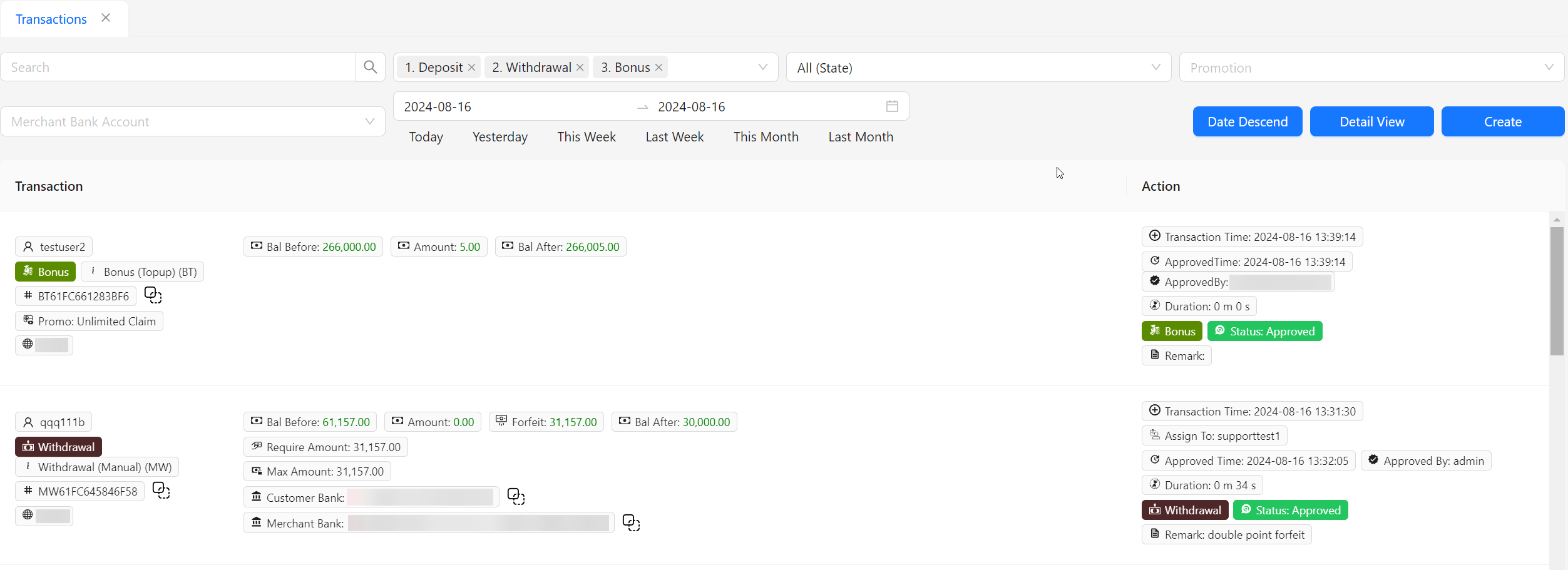
Date Ascend / Date Descend
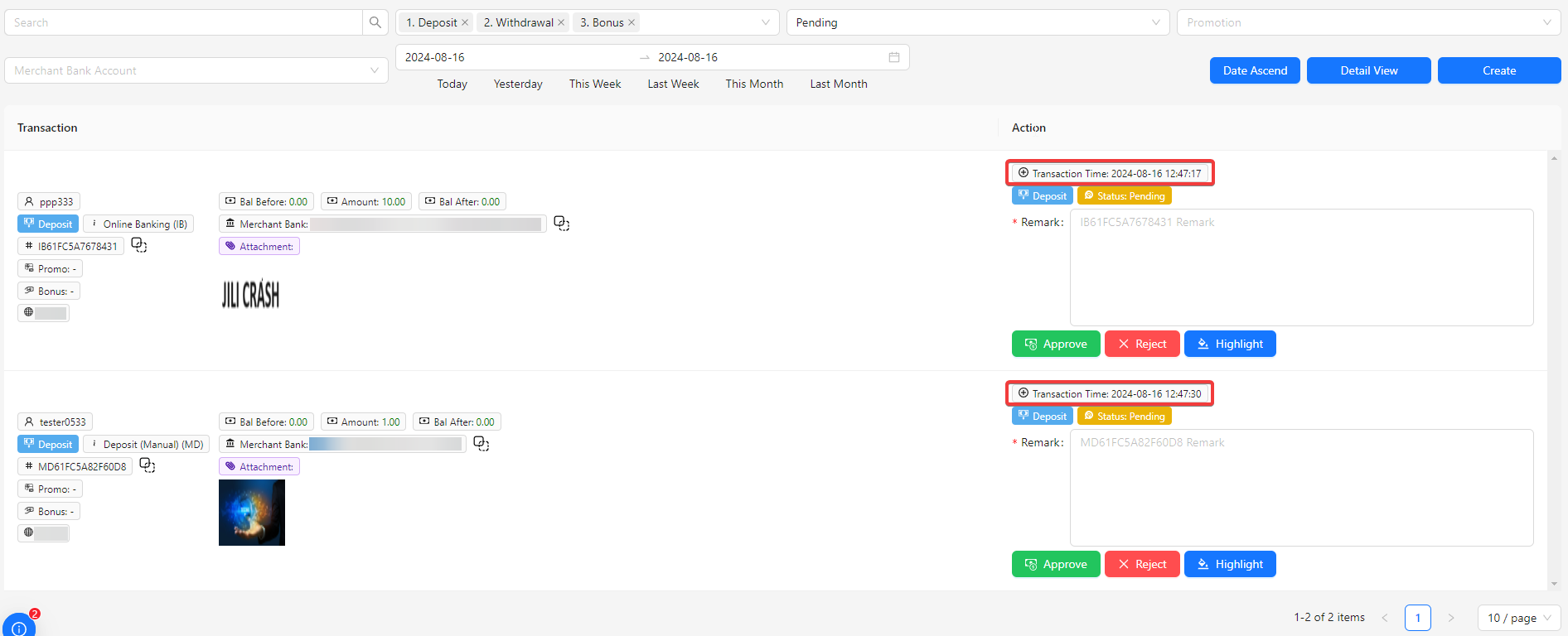
Detail View