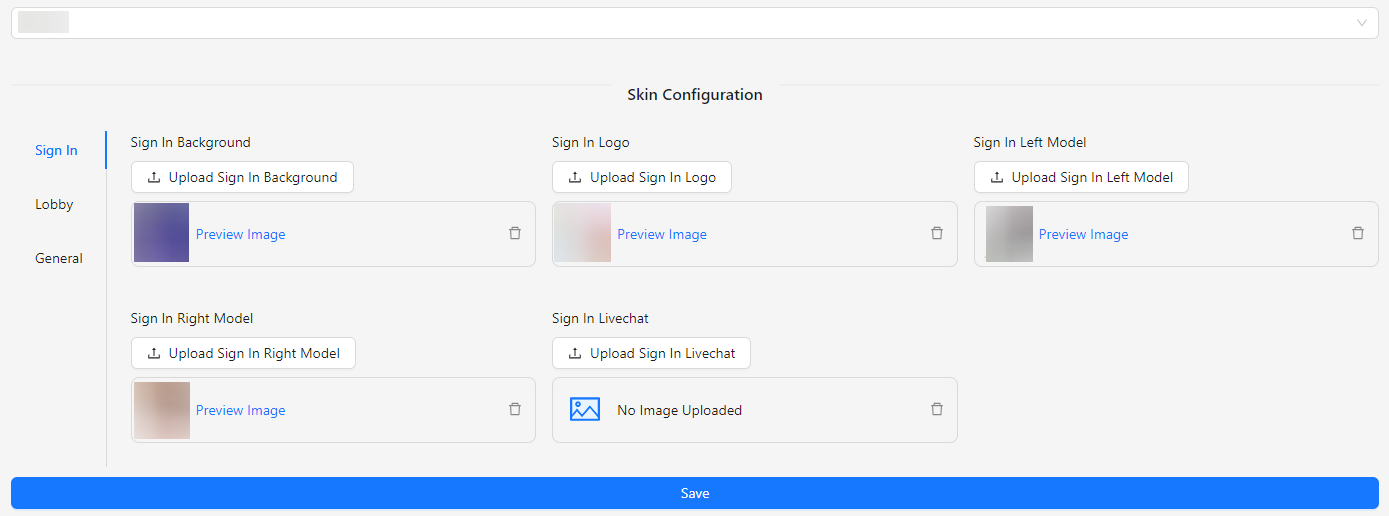
View Skin Config Landscape
The View Skin Config Landscape section allows you to customize and manage the layout and appearance of your application's front end. This section enables you to configure various visual elements and styles, ensuring that the design aligns with your preferences and enhances the user experience.
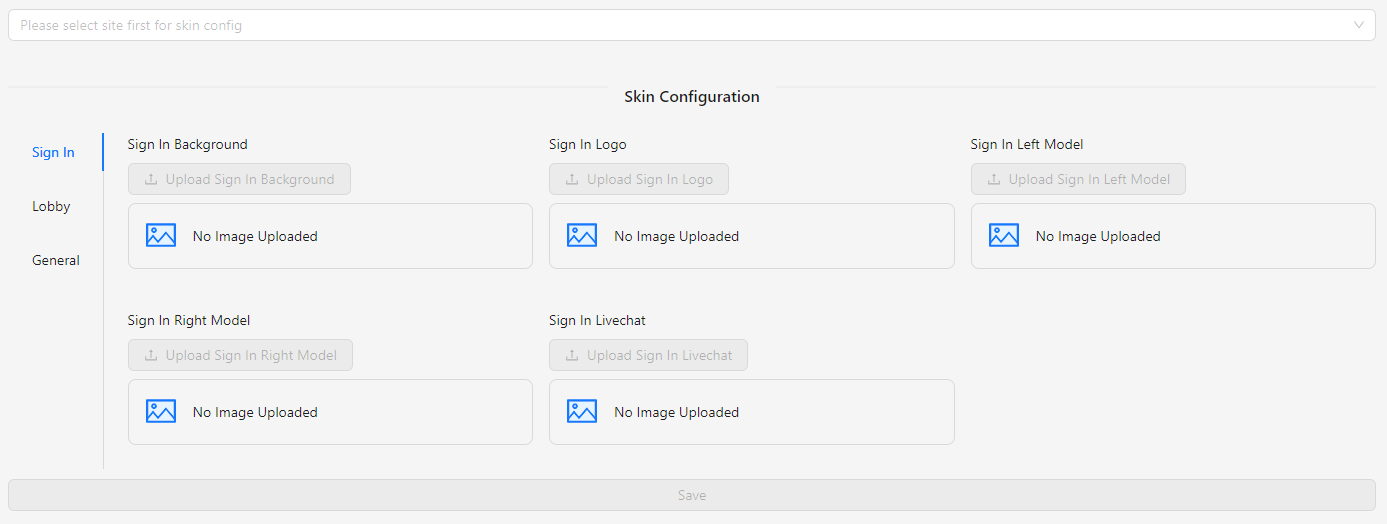
How to Configure
- Select Site: To configure the skin config landscape, start by selecting the site. The save button will only be enabled once a site is selected.
Skin Config Landscape (Selected Site)
The Skin Config Landscape (Selected Site) section allows you to customize various aspects of your application for a specific selected site. Below are the areas you can configure: