Create / Edit Rank Rate
The Create / Edit Rank Rate section allows you to add and edit rank rate entries in the system.
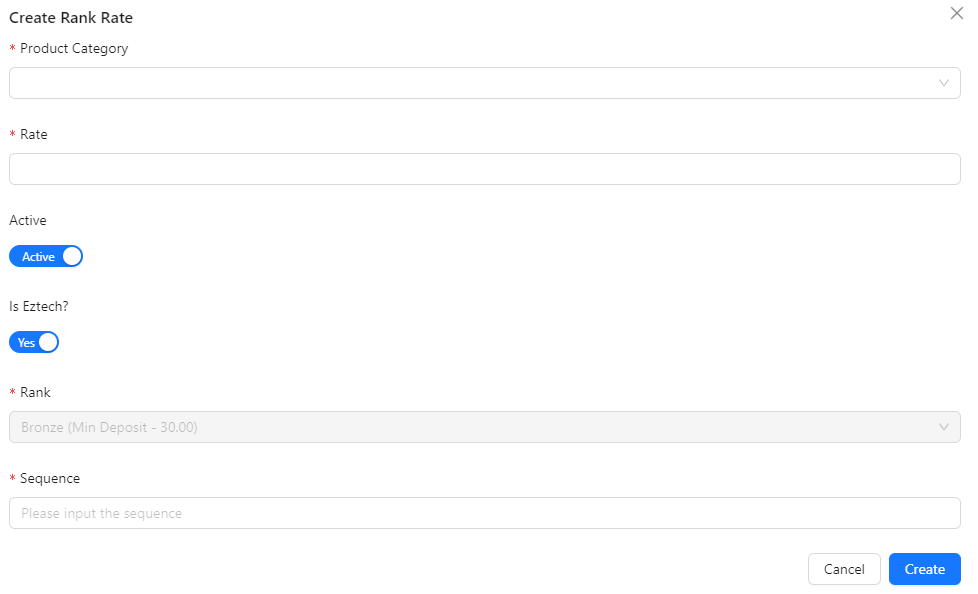
- Product Category: Select the category of the product for which you are creating the rank rate.
- Active: Toggle to set whether the rank rate should be active or inactive.
- Is Eztech?: Specify if the product belongs to the Eztech category.
- Rate: Enter the rate associated with the selected ranking.
- Sequence: Determine the order in which this rank rate should appear.
- Rank: Select the ranking to which this rate will apply.