Create / Edit Message Template
The Create / Edit Message Template section allows you to add new message template to the system.
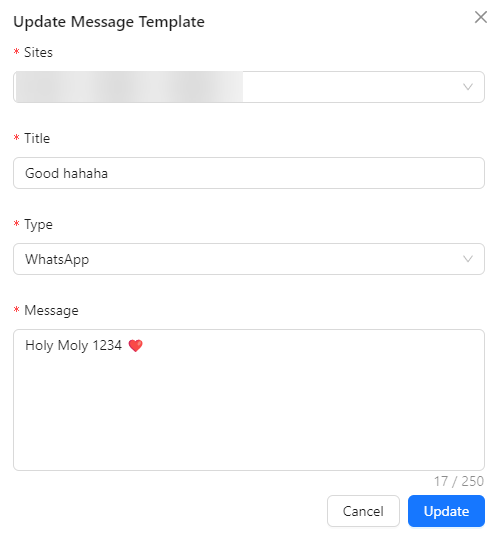
- Site: Specifies the site or system where the message template can be used. This helps in identifying the relevant platform or context for applying the template.
- Title: The title of the message template. This is a descriptive name that helps in identifying and managing the template.
- Type: Specifies the format of the message. There are two types:
- Message: Standard SMS text message.
- WhatsApp: Message intended for WhatsApp communication.
- Message: The content of the message template. This field is limited to 250 characters, ensuring concise and effective communication.