Create / Edit Merchant Bank Account
The Create / Edit Merchant Bank Account section allows you to add new merchant bank account entries to the system.
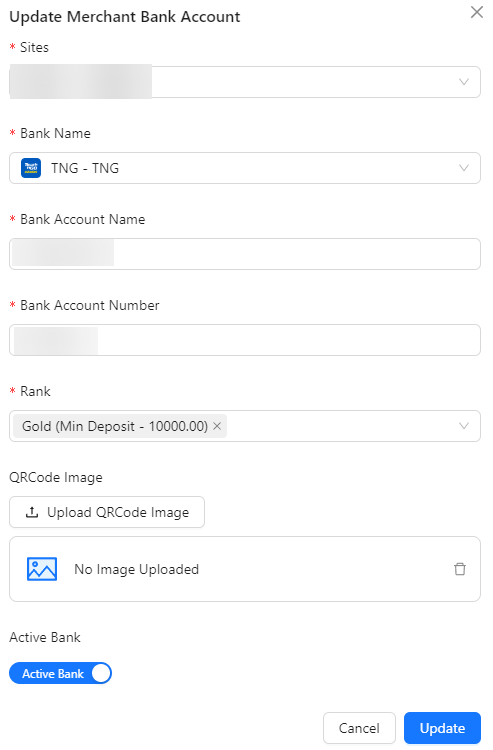
- Sites: Select sites associated with the merchant bank accounts.
- Bank Name: Select the bank name that created in system.
- Bank Account Name: Input the name associated with the merchant bank account.
- Bank Account Number: Input the unique identifier for the merchant bank account.
- Rank: Select the rank for the merchant account based on the minimum deposit amount:
- Bronze: Minimum deposit of $30
- Silver: Minimum deposit of $5,001
- Gold: Minimum deposit of $10,000
- Platinum: Minimum deposit of $50,001
- QRCode Image: Upload an image of the QR code associated with the merchant account.
- Active Bank: Specify whether the merchant bank account is active or inactive.