View Dashboard
The View Dashboard section provides an overview of all main report in the system.
Toolbar

- Select Site: Enables users to choose a site and filter the Dashboard reports accordingly.
- Date Picker: Allows users to filter all reports by selecting a specific date range.
- Export Excel: Provides a one-click option for users to export all reports. 🔗
Listing
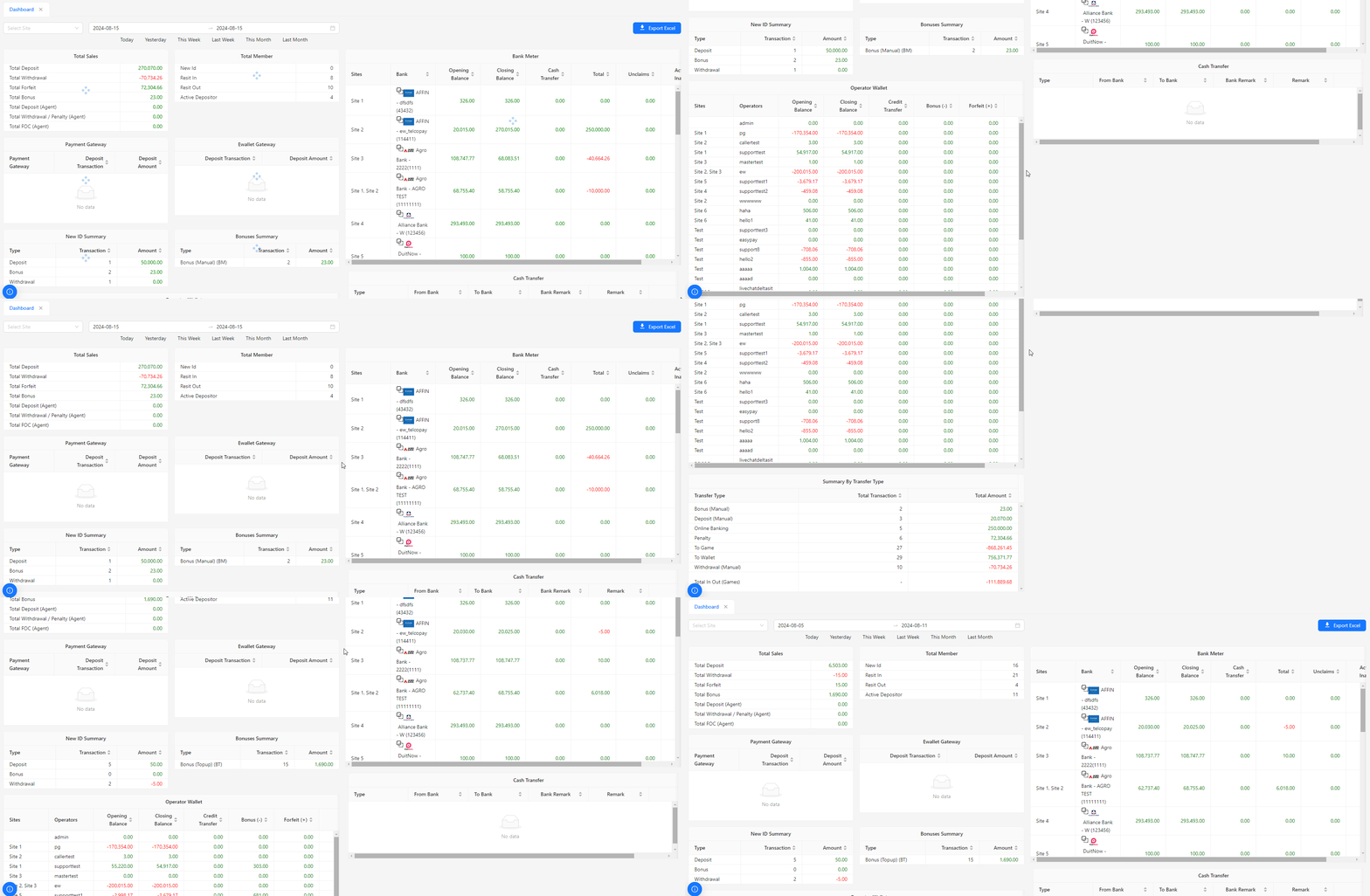
Total Sales 🔗
- Provides an overview of the aggregate sales figures, helping to track overall revenue.

Total Member 🔗
- Displays the total number of registered members, useful for monitoring membership growth.

Payment Gateway 🔗
- Shows detailed information on transactions processed through the payment gateway.

Ewallet Gateway 🔗
- Provides insights into transactions and balances related to the eWallet system.

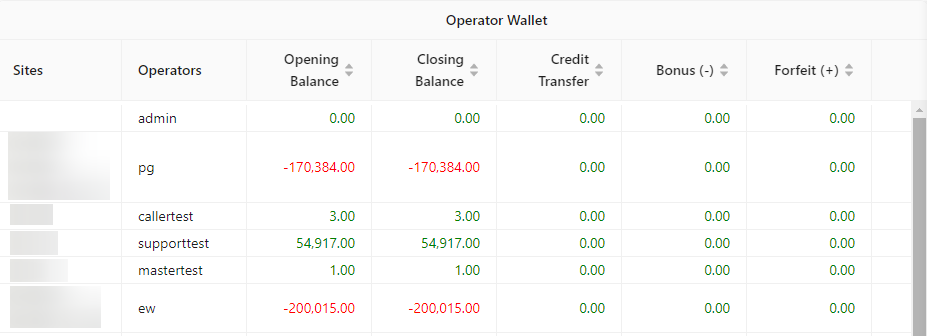
Operator Wallet 🔗
- Tracks the balance and transactions within the operator’s wallet for effective fund management.
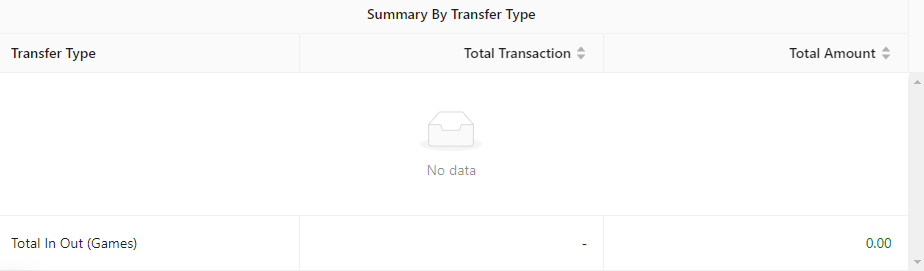
Summary By Transfer Type 🔗
- Summarizes transactions categorized by different transfer types for a clearer understanding of financial flows.
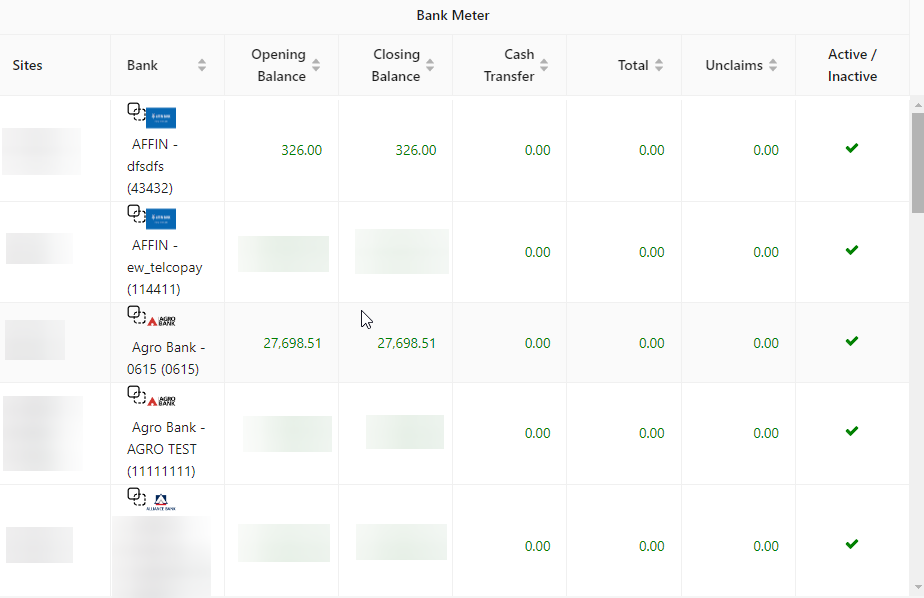
Bank Meter 🔗
- Monitors activities and balances related to bank transactions, offering a snapshot of financial status.
Cash Transfer 🔗
- Details the cash transfer activities, including both incoming and outgoing transactions.
